












































 Claude Code







- Model
- Opus 5.5
- Effort
- Medium
Builds the video
Claude Code
Very good and fairly cheap. I use it for every video now. Codex works too.
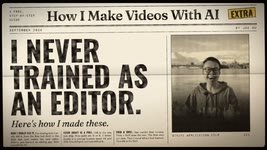
A free, step-by-step guide by  Joe Hu
Not one prompt. My real process: every draft, every note, every retry.
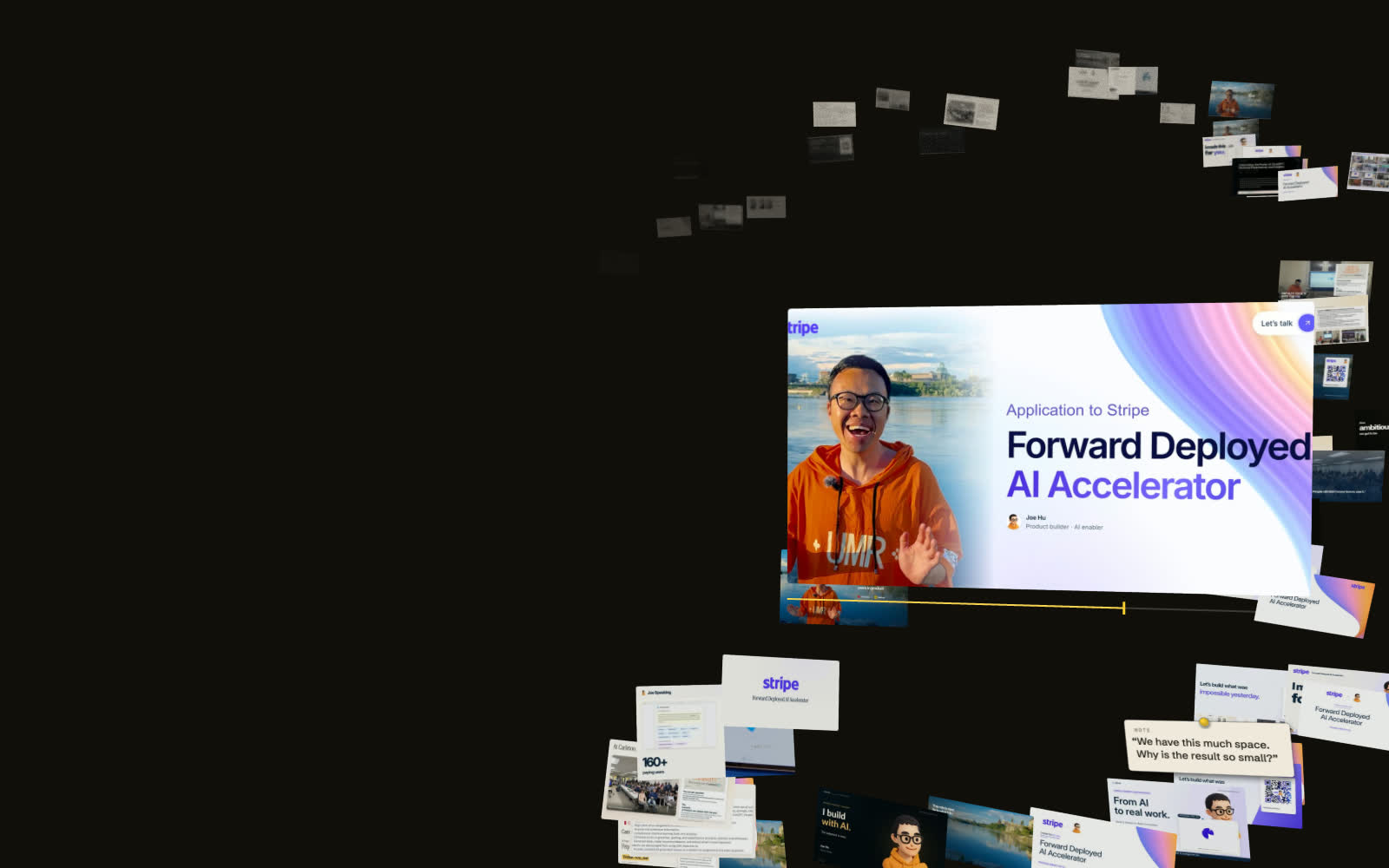
Made this way, no editing app
Before Opus 5.5Weeks, then days
With Opus 5.5Sep 23 to 28
12 videos in 6 daysin the spare time around building my app
 Sep 27
 Sep 28
Before and now
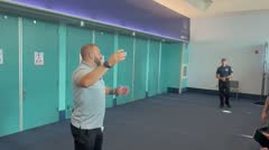
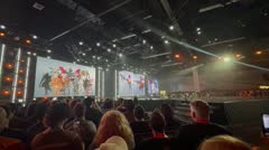
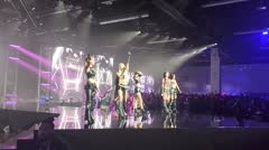
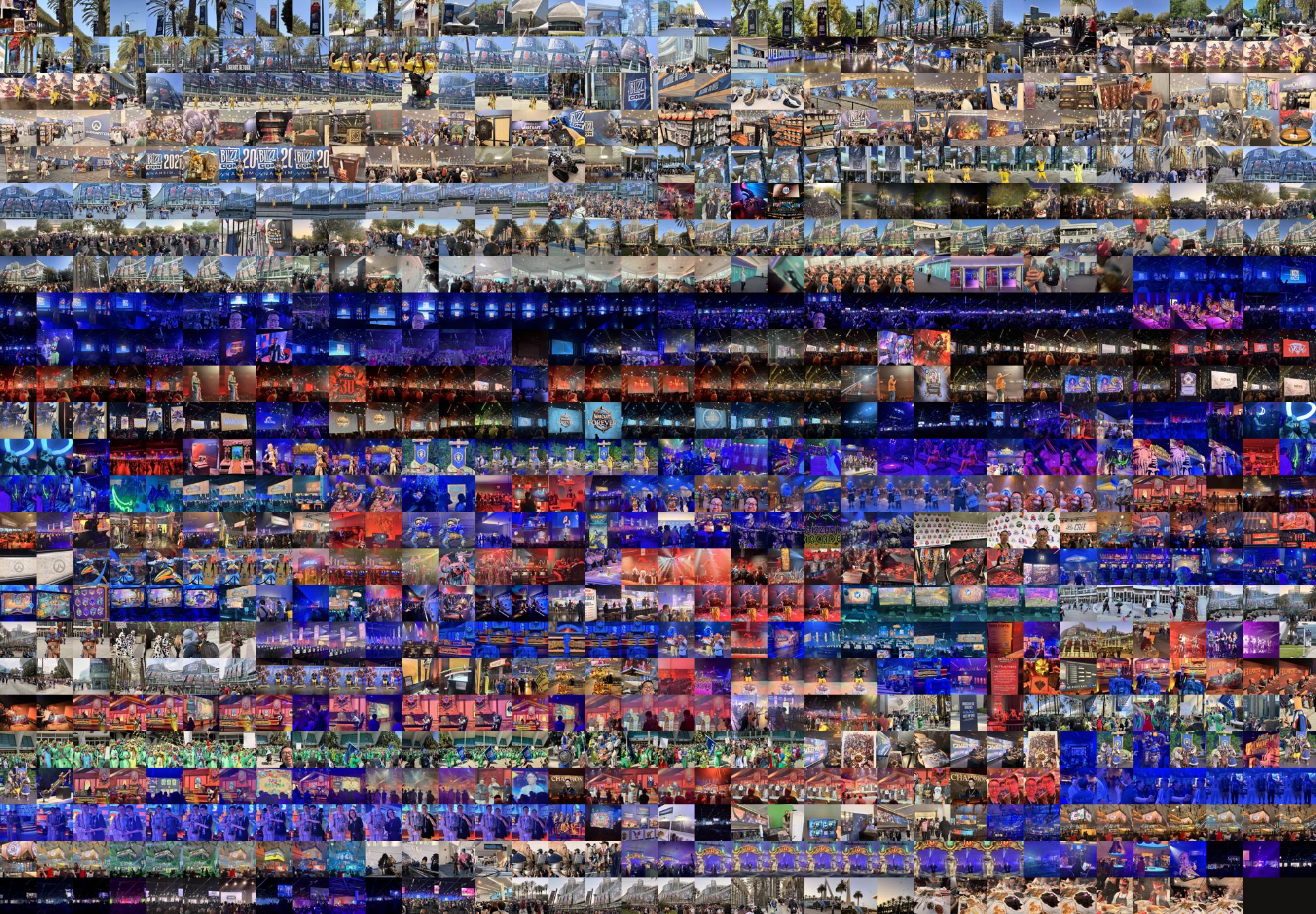
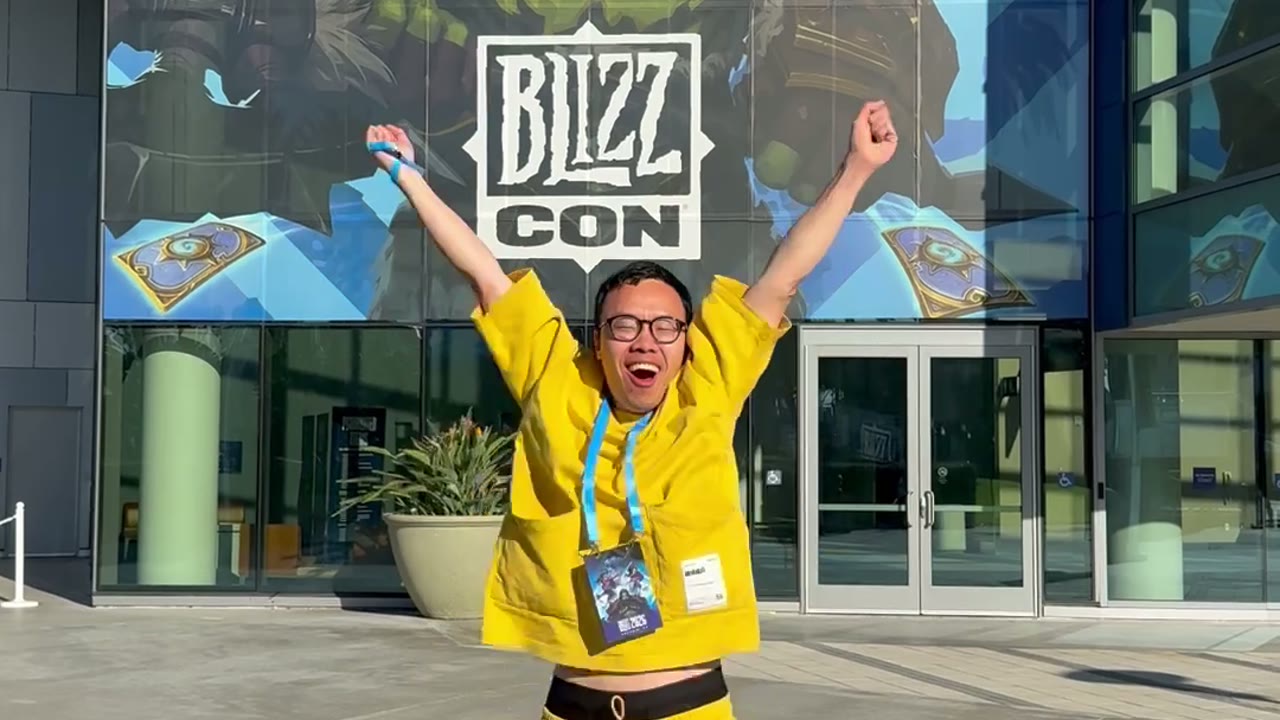
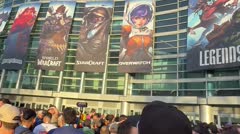
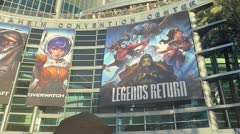
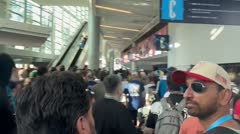
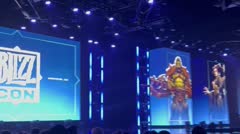
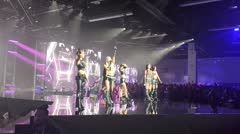
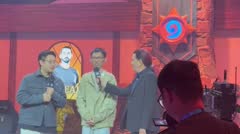
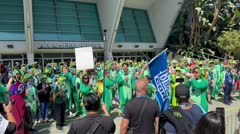
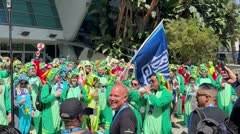
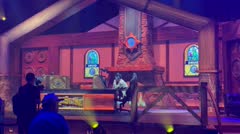
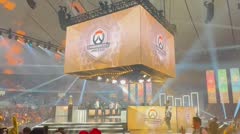
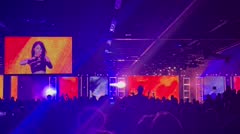
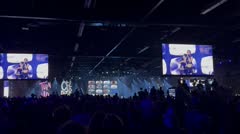
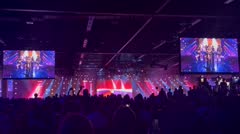
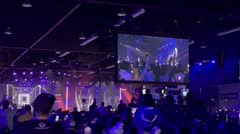
My camera roll: 898 photos and videos from BlizzCon.
Before. In Premiere or CapCut you sort them and drag every clip by hand. I never learned how.
Now. I pointed Claude Code at the folder and said what I wanted, in plain words.
It edited my real footage. Cuts, music and captions: a 3:15 vlog, 16 versions in half a day.
And it takes my notes exactly. It writes code, so a note changes only the lines it is about. A video model would paint the whole clip again.
This is what AI changes. Not a faster editor: a skill you never had to learn.
Before you start
Which one this guide uses, and when another way is better.
 CapCut
 Kling
Kling Runway
 Claude Code
 Codex
Codex Remotion
 Python
 HeyGen
 Computer use (Claude)Computer use (Codex)
If you remember one thing
Medium effort is the default. If you want better drafts, turn it up.
Your part: the same with any modelThe AI's part: shorter with a better model
Earlier models
Opus 5.5
Illustrative, from my experience. Real times are in the chart below.
It's a gacha
Most pulls are N or R. A better model is a rate-up banner: more SR and SSR. You still pull, and you still pick. Every card is a real draft of my Stripe film.

Earlier models
Opus 5.5
It plays by itself. Rarity is how close a real draft of my Stripe film came to the one I shipped. Rates are illustrative, from my experience.
A better model is still a lottery. It just wins sooner: half a day for BlizzCon, not two weeks.
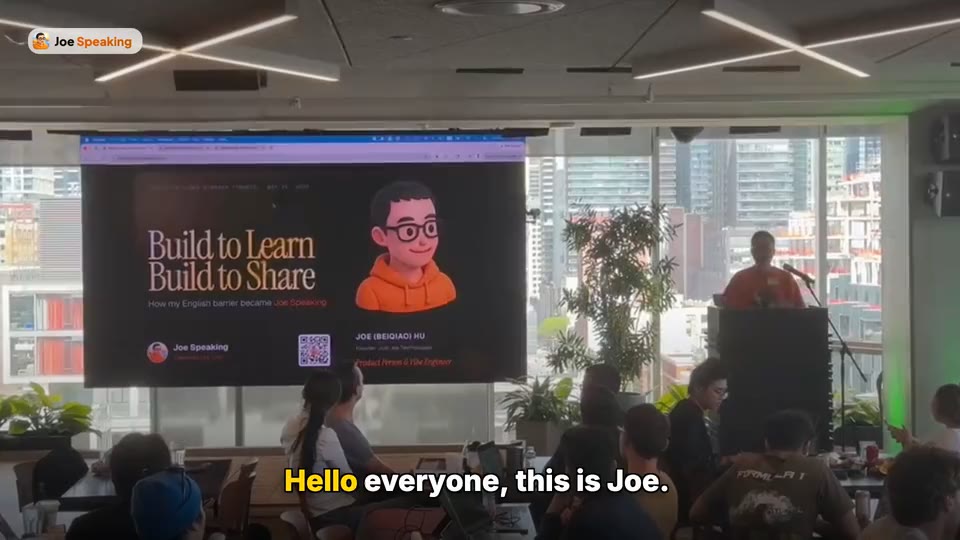
Two talks at Shopify Builder Sundays, four months apart, both opening with “Hello everyone, this is Joe.” The newer model gave better drafts. Asking for a hook and product cards was still my part.
Every step ends with a prompt: a message you copy, fill in and paste to your assistant.
Builds the video
Very good and fairly cheap. I use it for every video now. Codex works too.
The voice
Set it up once and the AI writes, voices and times every line. It can also find music and check the licenses.
Big piles of footage
Sorts described clips and picks between edit options. It cannot watch; you still do.
Free download
The five steps as a Skill for your assistant, six example Skills and every prompt.
The method
I used them on every video, from the first chat-app drafts to Opus 5.5. Each step shows what stays yours, and what a better model now does faster.
Prepare
Decide who the video is for and what you want them to think and do. Then collect the real files that prove it. They are your story.
The brief
Stays yoursWhat you want, and your real files. No model can invent them.
Faster with Opus 5.5It asks you the questions first, then finds and sorts your files.
I wrote who would watch and what I wanted from them, then collected every file that could prove it. AI can help you search and sort; you decide what goes in.
Here is my goal and my material.
Audience: [who will watch].
After watching, they should believe: [one sentence].
Then they should: [one action].
It will be posted on: [platform]. Length: [about 60 seconds]. Shape: [16:9 / vertical].
My files are in originals/: screenshots, photos, logo, fonts and earlier work.
Before you plan anything, ask me the questions you need answered. Then list what each file proves, flag any claim that has no file behind it, and propose an outline of 6 to 10 sections. Do not write scenes or render anything yet.
Before you show me the outline, check your own work: confirm every claim in it has a file behind it, and mark any that does not.
Draft
A complete draft is a lottery ticket. Its only job is to be judged. If it has a voice, lock the words first.
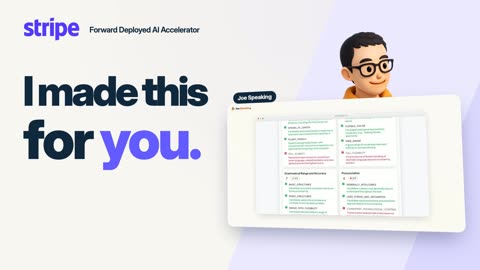
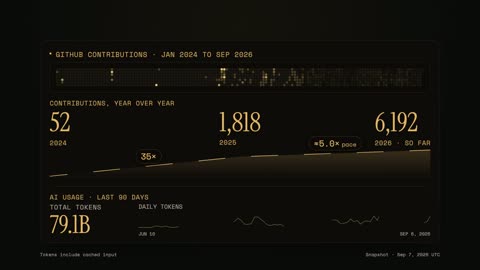

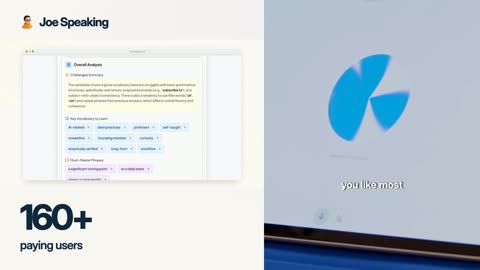
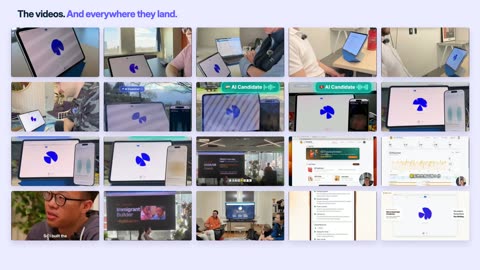
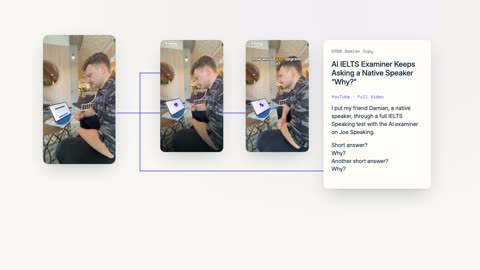

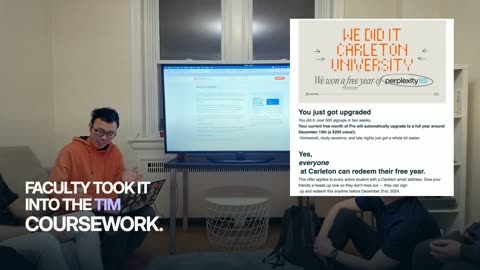
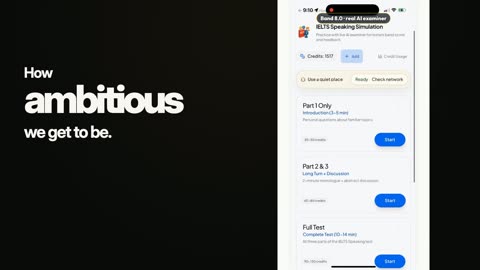

My tenth full draft, every section in order. Not good, and that was the point: now I could see what to fix. It's a lottery ticket ↑
Stays yoursJudging it. Keep a draft that is roughly right; ask again if it is far off.
Faster with Opus 5.5Good drafts come far sooner. Wissal's birthday film: an approved cut in 37 minutes.
I ask for the complete video, not a perfect opening. I lock the spoken words first, so every picture can land on them.
Using notes/outline.md and originals/, first write the narration as natural spoken English, about [120] words (roughly two words per second of video), and a storyboard in notes/beats.csv: one row per phrase with the words, the file from originals/ that appears (or "missing: needs a screen recording or a generated image"), the text on screen and how things move. Stop so I can approve the words and the storyboard.
After I approve them, build the complete first draft. Time every section to the narration and keep each section a separate, editable scene. Ease every movement, and carry something across from one scene to the next rather than a hard cut, unless the story needs the cut. Include every section; do not polish only the opening. Render a quick lower-resolution preview first (working/out/draft-v1-preview.mp4) and give me a link to open it. Export full quality only after I approve.
Before you show me each one, check your own work: compare the script length with the target, confirm every phrase has a picture or is marked missing, render stills at the key moments into one contact sheet, confirm no text is cut off or overlapping, and check the voice loudness.
Direct
Pause where it feels wrong and write a numbered note. Fix one section, round after round, then lock it.
The opening, round by round
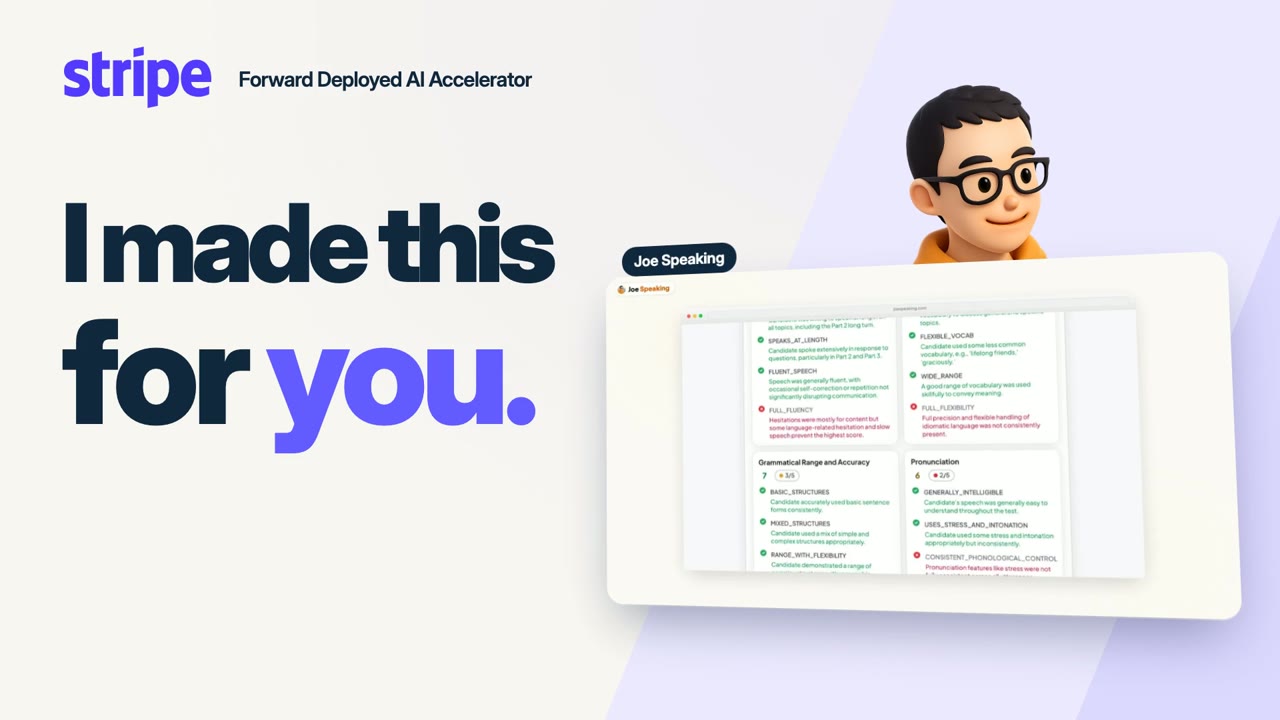
Stays yoursWatching every round yourself, and deciding when a section is done.
Faster with Opus 5.5It checks its own work first, so rounds go faster: 16 BlizzCon versions in half a day.
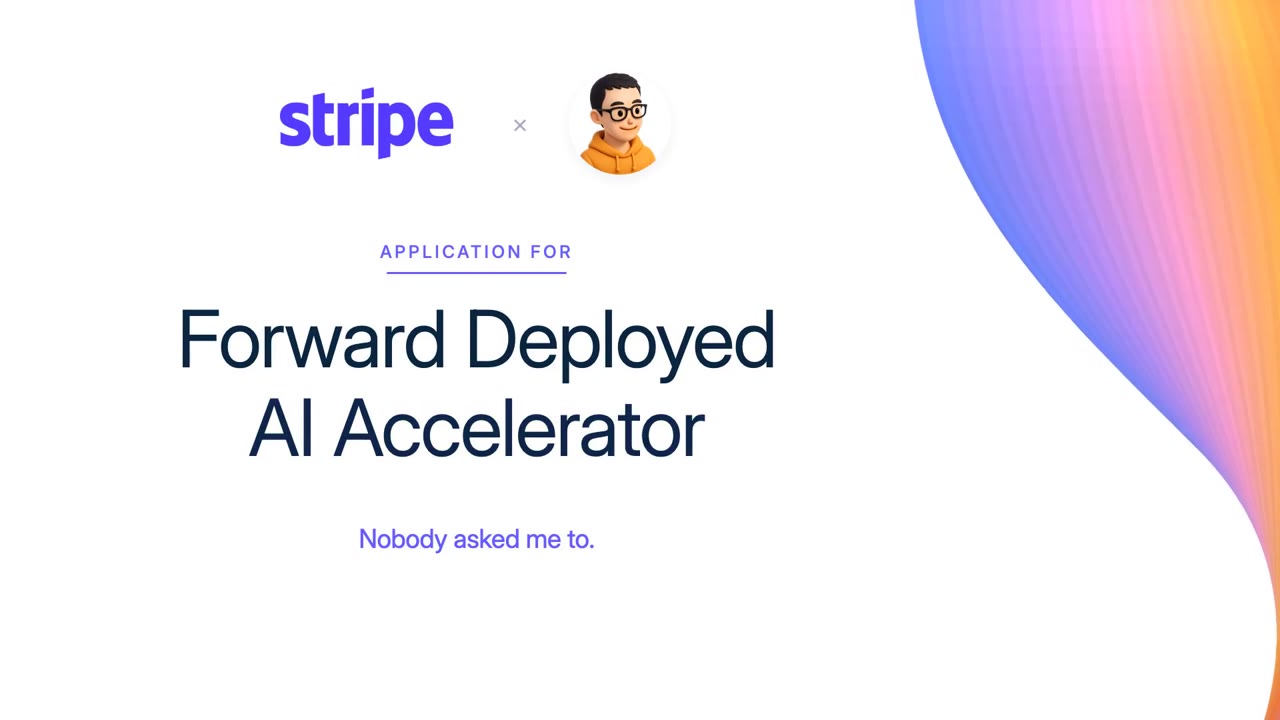
On the Stripe film the opening alone took seven rounds. Each time I paused where it felt wrong, took a screenshot and wrote a numbered note. When it was right I said: lock this one, it's the template.
I watched draft-v1. My notes:
1. [0:03 or section]: [what's wrong] → [what I want]
2. [0:08 or section]: [what's wrong] → [what I want]
Keep: [what already works].
Sound: [music or no music, and the feel], [voice too loud or too quiet anywhere].
Reference (optional): [video file or link]. Borrow its [pace / type / energy], not its content.
Fix only the [opening] for now. Export working/out/[opening]-v2.mp4 with one second of the neighbouring sections, and keep the previous version.
When I say a section is approved, record its file name in notes/accepted.md and write its rules in notes/style.md: at most three colours, one pair of fonts, one kind of background and one kind of music. Every later section follows that style, and approved sections are never touched again.
Before you show me, check your own work: confirm each note names a moment, what is wrong and what I want (ask me about any that does not), render stills at the key moments into one contact sheet, confirm no text is cut off or overlapping, check the voice loudness, and list each of my notes as done or not.
Carry the same [element] from [its place in scene A] to [its place in scene B]. It must be one object that moves and resizes continuously, never a crossfade between two copies. Match its crop, background and layer order when it lands. Show me the start, middle and landing frames and a playable preview.
Assemble
Music, voice and the cuts between sections only show up in the whole film. Check every join, and the music.
The timeline an editor would show you
I never touched it. I read it.
 Hook
Hook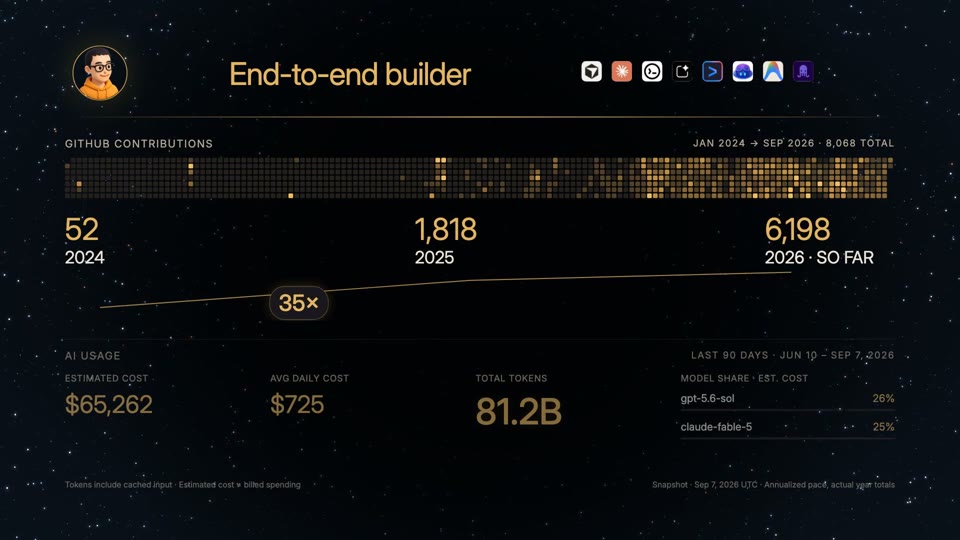 Builder
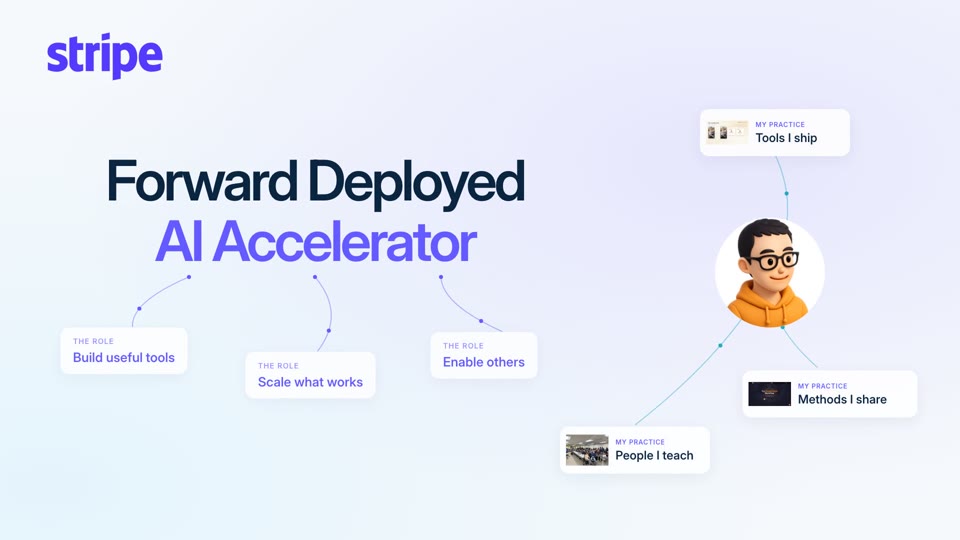 8 years
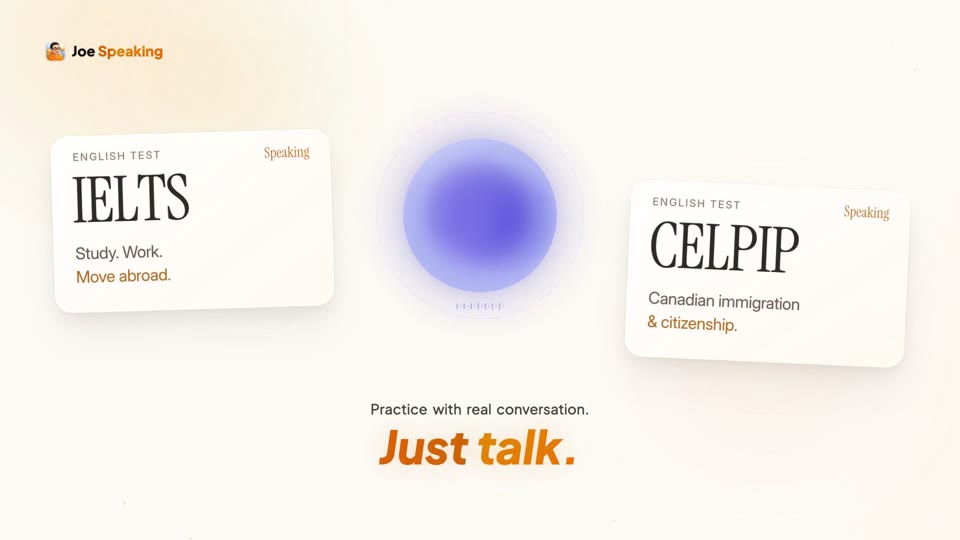 Product
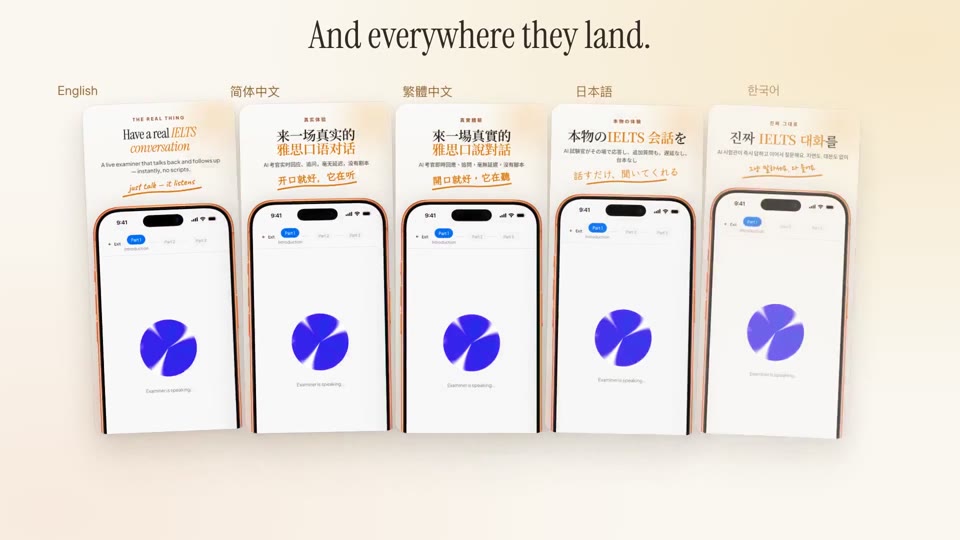 Distribution
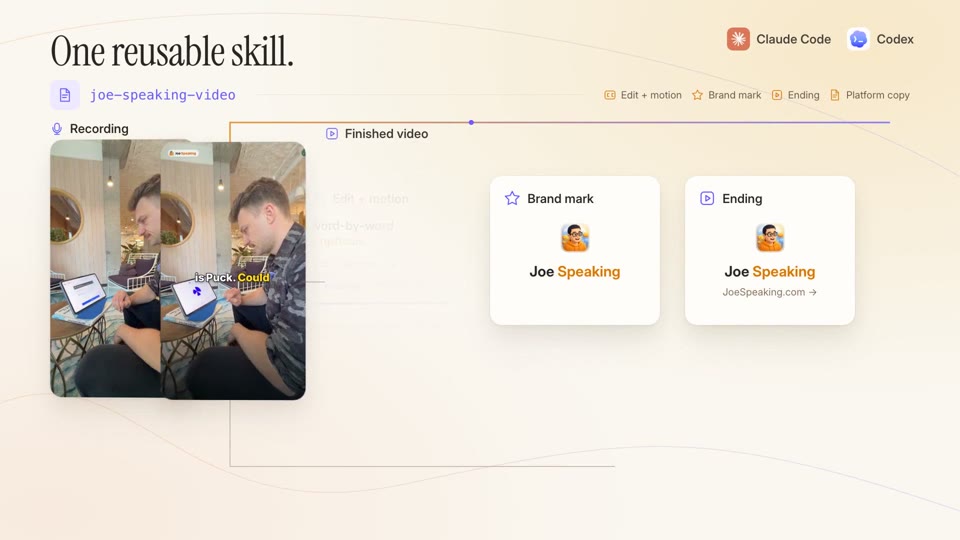 Methods
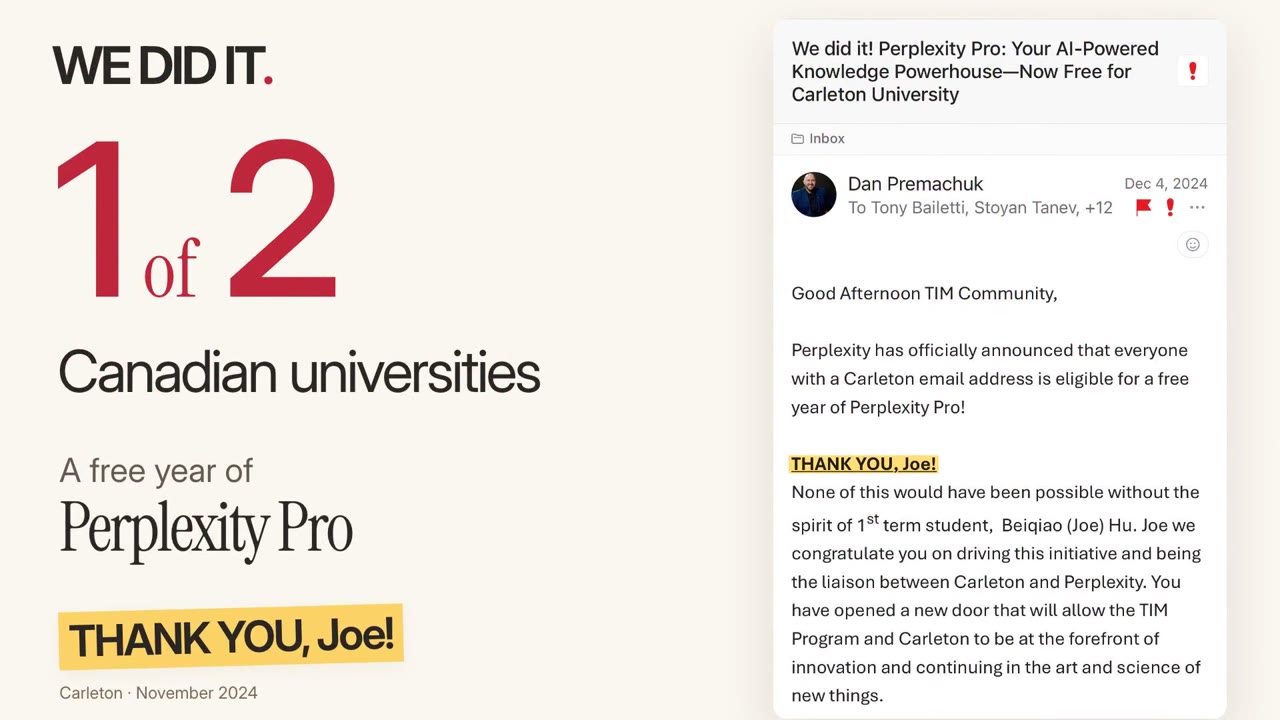 Sharing
 Close
Close
A glitch at 0:10 · a split second
Each section looked right on its own. The joined film showed the correct 81.2B, then flashed the old 80.2B for a split second as it cut to the next section.
Stays yoursListening at every join, and choosing the music.
Faster with Opus 5.5It matches loudness across sections and fixes only the join you flag.
I assembled only approved sections, then watched the whole film: once for story, once for sound, once at every join. The music was reshaped around the story: rise at the product, quiet for my origin, celebrate the result.
Assemble the approved versions in notes/accepted.md into working/out/full-review-v1.mp4. Match voice loudness across sections.
List every join with its timestamp. I will watch the whole film; for any join I flag, fix only that boundary and export again under a new name.
Before you show me, check your own work: render stills just before and just after every join into one contact sheet, look for any old frame that flashes at a cut, confirm no text is cut off or overlapping, check the voice loudness, and list each of my notes as done or not.
The music should feel [three words, e.g. warm, rising, optimistic]. Here are [2 to 3 tracks I have the right to use]. Pick the tempo for the feeling: about 60 to 80 BPM feels cinematic, 90 to 110 smooth and calm, 115 to 123 confident and kinetic; faster reads as hype.
Make short previews of the same opening, one quiet moment and the ending with each track, picture and narration unchanged.
After I pick one, shape it to the story: rise at [the reveal], settle under [the reflective line], open up at the end. Lower it under speech. Keep sound effects rare: only where they help, and remove any that feel too loud or out of place. Save the plan to notes/music-cues.csv.
Finish
Check the video, its cover and the post where people will really see them. Then save how you made it as a Skill, a note the AI reads next time. Your next video starts there.
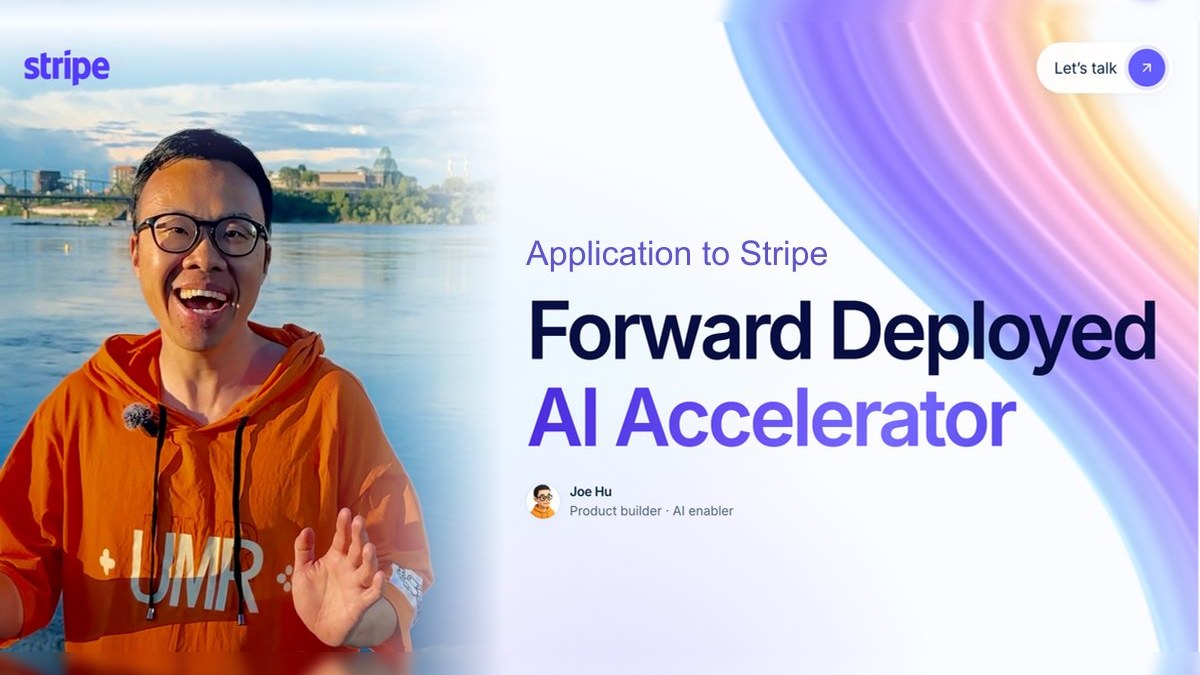 1:30
1:30SKILL.md
Next video starts here
Stays yoursChecking it on a phone, where people will really see it.
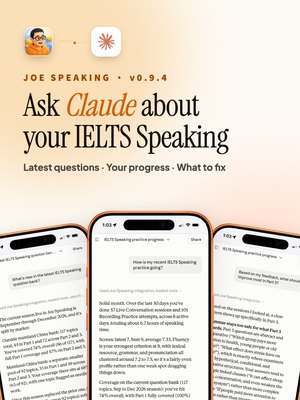
Faster with Opus 5.5The Skill is quick to write, and it makes the next one: my v0.9.3 release preview became a Skill, and that Skill made the v0.9.4 preview two days later.
I checked the final file, the cover and the post on each platform, then saved what worked. That review became the evidence-led-film Skill in the kit.
Package the approved film into exports/: final.mp4, a cover image taken from the film, and post copy.
Check duration, resolution, sound and the final second. Save notes/recipe.md with what worked, the approved files and the prompts, so the next video can start from it. Do not publish anything.
Before you show me, check your own work: list the duration, resolution and sound you measured, confirm the first frame works as the cover, and check that the final second ends cleanly.
This video is approved. Turn how we made it into a reusable Skill, so the next video of this kind starts from it.
Read our whole history for this project: my notes, the versions I rejected and why, and the one I approved.
Write skills/[name for this kind of video]/SKILL.md with: when to use it; what goes in and what comes out; the steps in order; my rules, each one taken from a note I gave or a draft I rejected, with the reason; the files and settings to reuse (fonts, colours, music levels, the ending); and the checks to run before you show me a draft.
Keep it short and specific to my videos. Do not add rules I never gave. Show me the Skill before you save it.
Next time, start with: Use skills/[name]/SKILL.md to make this video from originals/.
After the first one
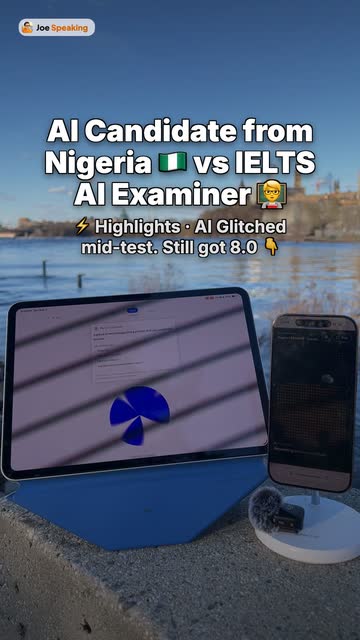
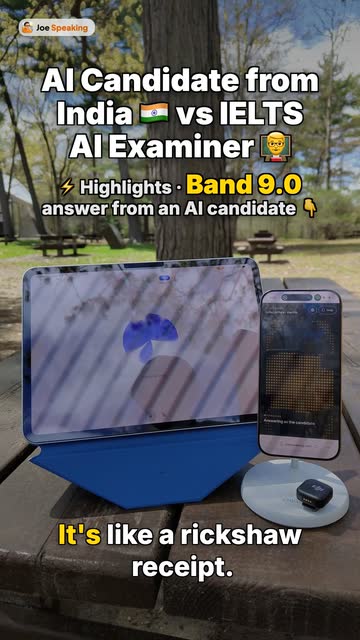
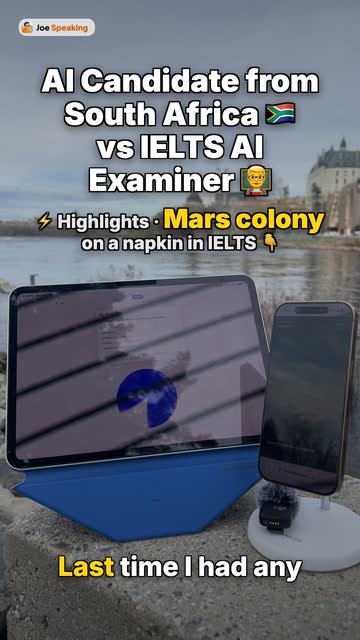
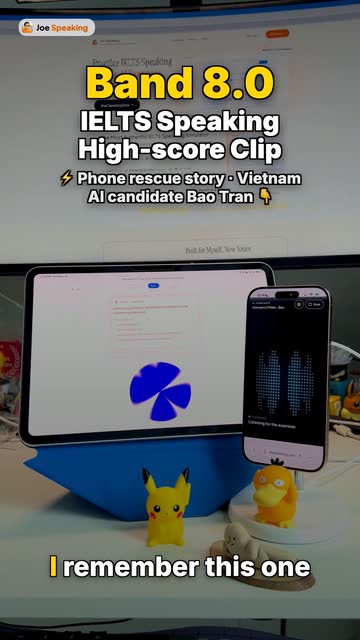
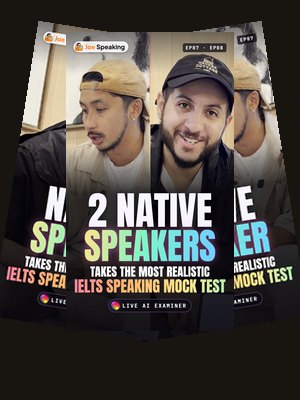
The first ones are slow. My AI Candidate series got a new opening in each of its first episodes. EP03 took three versions.
Then I saved what I had learned. I asked the assistant to write down every rule behind my notes. That file is the Skill.
Now it repeats. EP04 to EP11: eight episodes in seven days, each accepted on its first render, each in four languages.
Your turn: after your first video is approved, ask your assistant to save it as a Skill. The prompt is in step 5.
I keep one Skill for each kind of video I make now: episodes, shorts, talks, release previews and feature videos. Six of them are in the kit, so you can start from mine.
The kit · free
One line installs them. Then open a folder of your own photos or clips and say what you want.
5 itemsYour assistant sets up the folders and Remotion
FreeEvery Skill and prompt from this page
Download the kitvideo-workflow-kit.zip · ZIP · 318 KB ↓ Or get it on GitHubhubeiqiao/how-i-make-videos-with-ai · open source ↗Or install the Skills in one line: npx skills add hubeiqiao/how-i-make-videos-with-ai
Or download just one part
make-a-videoThe five steps, written for your assistant. It sets everything up.
Start here Video from coderemotion-best-practicesRemotion's own guide for AI assistants. Free; install it separately.
Official ↗ Film from real workevidence-led-filmThe Skill I saved after my Stripe film.
Example Recording to episodejoe-speaking-videoA recording and transcript become a captioned episode.
Example Episode to shortai-candidate-growth-shortAn episode becomes a social short, cover and post.
Example Talk to published cutjoe-speaking-talk-cutA recording of your talk becomes a cut with a hook, captions and covers.
Example Release to previewjoe-speaking-release-preview-videoEach app release becomes a short preview for X and RedNote.
Example Screen to feature videojoe-speaking-feature-in-app-videoA screen recording becomes an in-app feature video.
ExampleStart with make-a-video. The others are Skills I saved after my own videos; step 5 shows how to save yours.
Your first hour
From nothing installed to a first draft made from your own files.
Pick Opus 5.5. Medium effort is the default; go higher for better drafts. Codex works too.
Just ask: “Install the make-a-video Skill from github.com/hubeiqiao/how-i-make-videos-with-ai.” It installs itself.
Put 10 to 30 of your own photos or clips in one folder, open it and send one message. See the message
It sets up Remotion and renders a whole draft from your files. Then write your first note.
Use the make-a-video Skill. Make a 30-second video from the files in this folder. It is for [who will watch]. After watching, they should [believe or do one thing].
Who watches, and what should they do after? The AI builds it, but the result is yours.
Almost nothing good comes out in one shot, even from the best model. Say what's wrong and pull again.
A full render is slow. Fix one section, render just that part, check it, move on.
The AI can make a hundred versions. Knowing the good one is yours. Watch the best work you can find to train it.
What to take away
And say it clearly, one section at a time.
What you actually need
These habits are older than AI. As models get stronger, they get you further.
Questions
Joe HuOnline · probably rendering
Still have a question? Ask me on X or LinkedIn, or write to hi@hubeiqiao.com. The kit is on GitHub.
End credits
That's a wrap.
Five films, then twelve in six days. Now make yours.
Back to step 1Every frame labelled as a draft, round, before or after comes from a real version saved while making that film. The step posters use examples from different films. What a better model speeds up is my own experience across these videos, not a benchmark. My notes are translated from Chinese and lightly shortened. The lottery hit rates are illustrative. In "After the first one", the counts and dates come from the saved video files (dated by the file), the pictures are the first frames of those finished videos, and the Skill rules are shortened from the real Skill; "100+" counts finished files, language versions included. The four black-and-white clips in the takeaway are not mine: they are public-domain archival films, The Alchemist in Hollywood (1940), Twenty-Four Hours of Progress (1950), The Photographer (1948, Edward Weston at work) and Farmer Miller Goes Into High Gear (1920), from the Prelinger Archives and the U.S. National Archives on the Internet Archive.
Support the guide
Any amount is welcome. It keeps the guide free and updated with every new video I make.
Support with StripeSecure checkout by Stripe.