From your camera roll to the video you need: a complete guide (free kit included)
A friend asked me last week how I made one of my videos. Was it AI. It was. Every video I've posted since March, more than 100, I made without an editing app.
Published: 2026-10-01
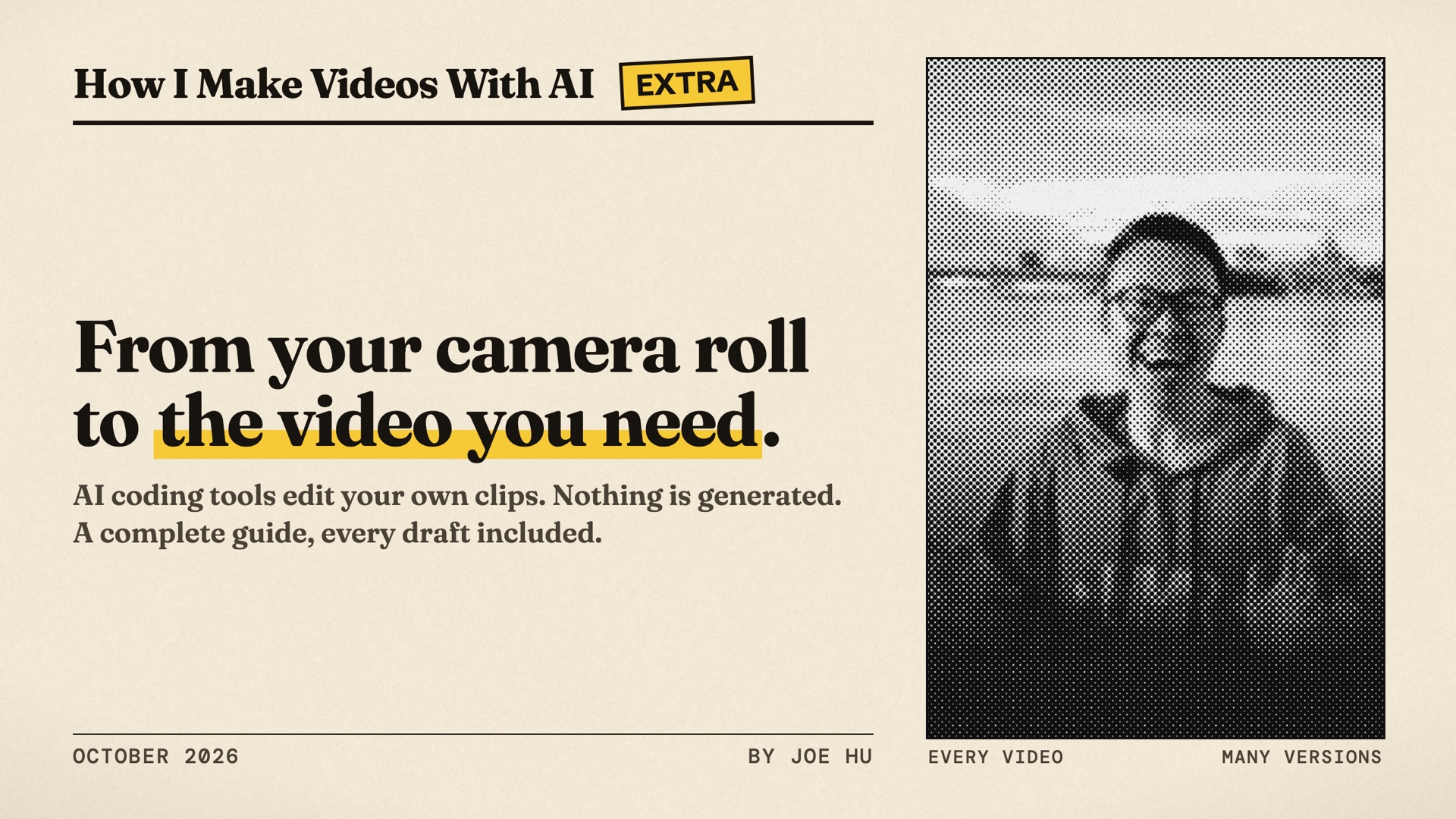
A friend asked me last week how I made one of my videos. Was it AI?
It was. Every video I've posted since March, more than 100, I made without an editing app. I'm not an editor. I tell an AI helper on my computer (Claude Code or Codex) what I want, it builds the video from my own clips, and I give notes until it's right.
This isn't AI generating a video from a prompt. The AI writes the video as code, and the code uses my own photos, videos and recordings exactly as they are. Because it's code, I can point at any moment and change just that. I never write or read the code myself.
After my Stripe application film, a lot of people asked me how I made it. This article and the guide are my answer: the whole process, shared openly, with the real drafts and notes.
None of my videos are showreels. They're videos I needed: a birthday film for a friend, a film to celebrate a friend's wedding, a short film for a job application, the launch film for my app, Joe Speaking, cuts of my own talks, previews of my app's releases, an interview series, an immigration story, and my first BlizzCon vlog. I made them all while building Joe Speaking. You have a camera roll and your own reasons to make a video. That's enough to start.
That's the difference from a video generator. A generator paints new footage and repaints it with every note. Code works with the footage you already have, and a note changes exactly the part you point at. It still takes rounds: my BlizzCon vlog took 16 versions, and my job-application film took 19, in just over a day. The timeline below has which tools and models I used for each.
A better model gets you a good draft sooner. It doesn't decide what your video should say, and it doesn't own the result. You do. That takes patience: watch, give a note, fix one section at a time.
On October 1 (today) I'm recording a podcast about this, so I wrote the whole method down first, including the versions that didn't work. The guide is free, the kit is open source, and this trailer was made the same way.
Four ways to make a video
- By hand, in an editing app (Premiere Pro, CapCut, DaVinci Resolve). Their built-in AI features help with chores like captions, but you still do the editing: full control, but you have to learn the app, and every change is handwork.
- A video model generates it (Veo, Kling, Seedance, Runway). Great for shots you could never film. But it paints; it doesn't edit. Real faces, words and logos drift, and one note repaints the whole clip.
- An AI coding tool writes it as code (Claude Code or Codex with Remotion, Python and FFmpeg). Because it's code, you get precise control: a note changes exactly the part you point at, and your real footage stays exactly as it is. You never touch the code yourself. It takes a little setup.
- An AI runs your editing app (MCP connectors, or computer use). You get a normal project in Premiere, Resolve or Final Cut that you can keep editing by hand. But the app must be installed, paid for and open, and the AI can only do what the app lets scripts do. Connectors make it steadier; letting the AI click the screen is still slow and uses far more tokens.
With 2, 3 or 4, once something works you can save it as a Skill: written instructions your AI follows next time. I use the third way. The rest of this article is how.
The five steps
- Know what you want. Then gather your files.
- Get the whole draft once. Then react.
- Point at the problem. Fix one section at a time.
- Put it together. Listen at every join.
- Finish where people will see it. If you'll make this kind of video again, save the recipe as a Skill.
A useful note has four parts: where, what's wrong, what you want, and what must stay.
Every draft is a pull
Making a video with AI feels like pulling cards in a gacha game. Every draft is a pull. Most are common cards (N and R). The rare one (SSR) is the one you ship.
A better model gives you better odds. You still pull, and you still pick.
Each video got faster
- March to April: Joe Speaking launch film, about 2 weeks, Claude Code
- July: Ontario immigration story, 5 days, Codex, then Kiro CLI
- September: Stripe application film, just over a day, Codex with GPT-6 Astra
- September: My First BlizzCon, half a day, Claude Code with Opus 5.5
- September 23 to 28: 12 videos in 6 days, with Opus 5.5
Same method every time. The models got better.
Four months apart
In May I cut one of my talks with Codex and GPT-5.5. In September I cut the next one with Claude Code and Opus 5.5. Same series, same opening line: "Hello everyone, this is Joe." Watch them side by side.
Then a Skill does the rest
The first video of a kind is slow. In April and May, my AI Candidate series got a new opening in each of its first episodes, and episode 3 took three versions.
Then I asked the AI to write down every rule behind my notes. That file is the Skill.
Episodes 4 to 11: eight episodes in seven days, each accepted on its first render, each in four languages.
Four things that matter more than the tool
- Know what the video is for. Who watches, and what should they do after? The AI builds it, but the result is yours.
- Be patient. Almost nothing good comes out in one shot, even from the best model. Say what's wrong and pull again.
- Render one section at a time. A full render is slow. Fix one section, render just that part, check it, move on.
- Your taste is the job. The AI can make a hundred versions. Knowing the good one is yours. Watch the best work you can find to train it.
Which model I use
Opus 5.5. It lands a good draft far more often. Medium effort is the default; if you want better, turn it up.
Get the kit
- The guide: hubeiqiao.com/video-guide
- The kit: github.com/hubeiqiao/how-i-make-videos-with-ai
It has the five steps written as a Skill for your AI tool, every prompt in the guide, and six more Skills I saved from my own videos. You'll need Claude Code or Codex on your computer. Install the kit in one line, open a folder of your own photos, and say what you want.
What changed, and what didn't
You no longer need to learn to operate an editing app; the AI does the operating. What hasn't changed is the rest: deciding what the video is for, judging each draft, and learning from the best work you can find. That part is still yours, and it's learnable.
This is just how I work, shared as it is, not the only way. I'd love your feedback, and to hear how you do it. And if the guide helped, you can buy me a coffee on the site.
Thank you @bcherny and the Claude Code team! And thank you @lydiahallie: the usage reset you sent last week gave me enough room to experiment this much and to write the whole guide.