How I Use AI Tools Personally
Read the visualization version of this article.
Published: 2025-05-18
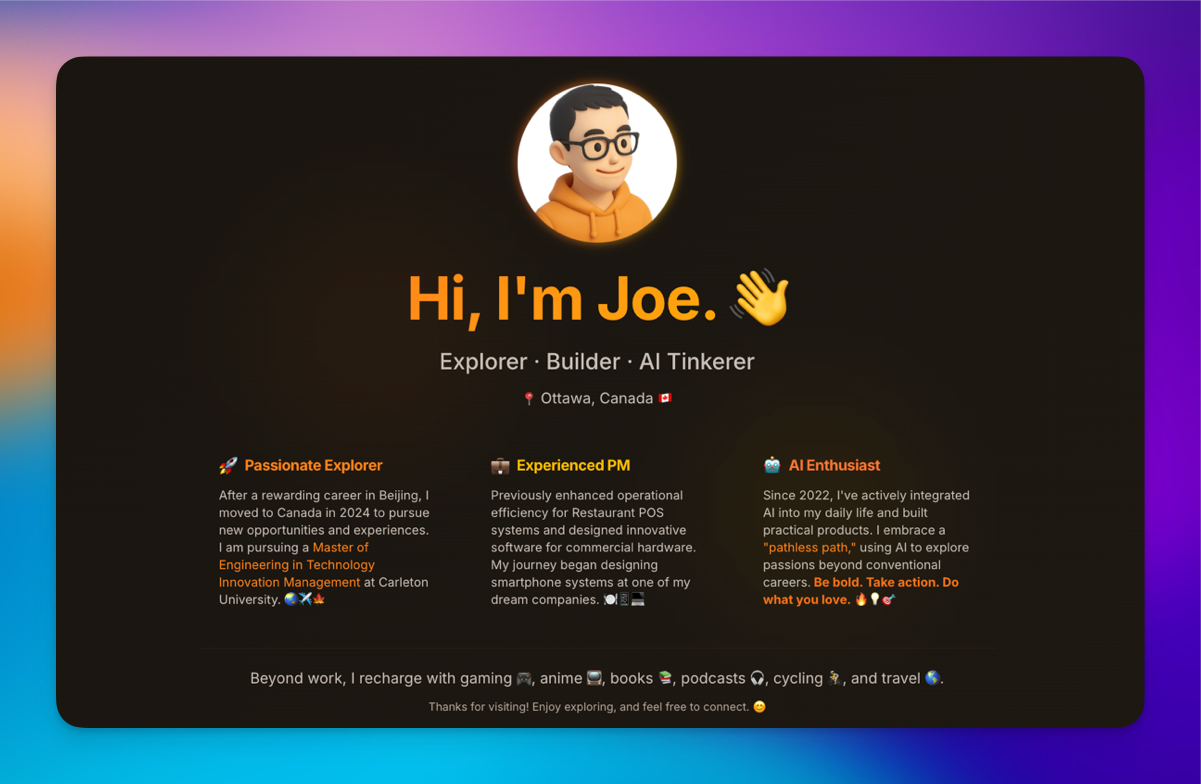
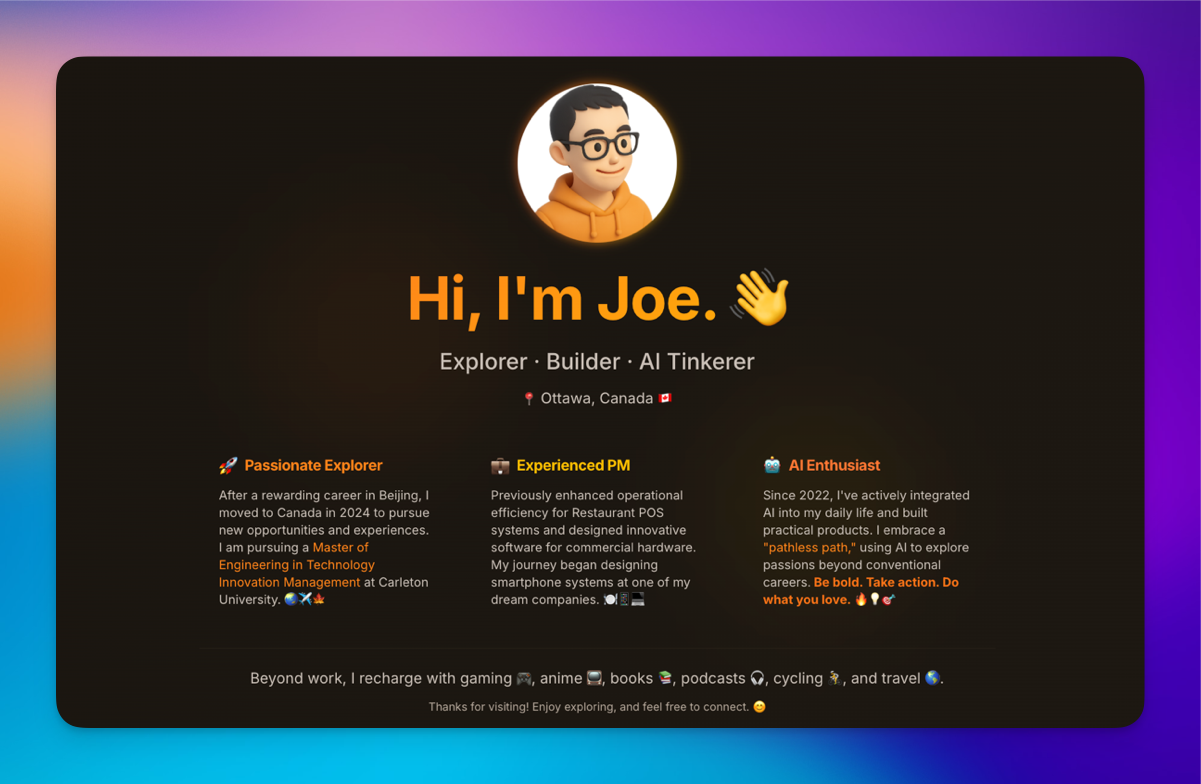
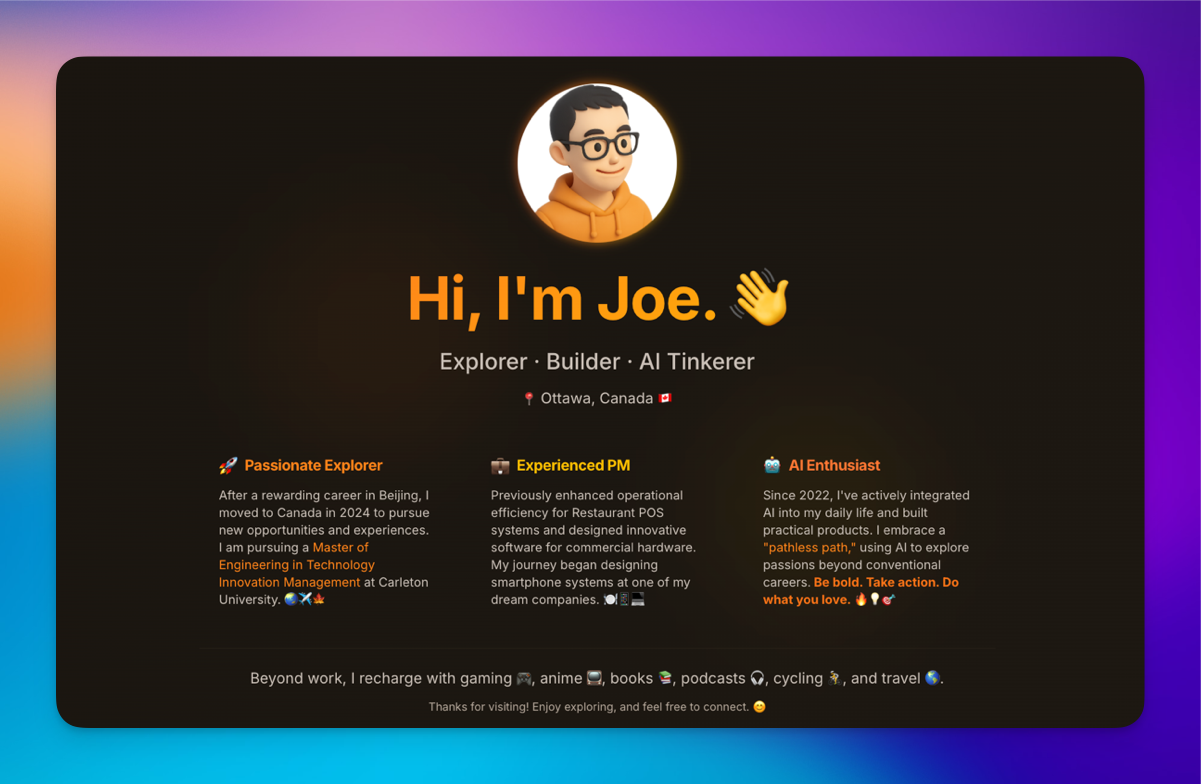
Rather than offering a general introduction about myself (as I did last year), I believe sharing how I practically and pragmatically use AI tools provides a better window into my enthusiasm and approach. This article serves as both a personal benchmark and a more authentic way to showcase my AI preferences (including my taste!).
While drafting this piece, I realized it’s comprehensive enough to serve as an annual review. Surprisingly, it’s only May 2025—not even halfway through the year! I’m excited to see what’s ahead.
Summary: My Current AI Toolkit
Below is a snapshot of the AI models and tools central to my workflow.
Most Frequently Used Models
- ChatGPT (o3): Short content (<20K)
- Google AI Studio (Gemini-2.5 Pro): long content
Search
- ChatGPT (o3): My top choice.
- Perplexity, Gemini, Grok: As backups.
My Strategy: I use multiple tools in parallel, then validate, verify, compare, and combine all findings.
Deep Research
Quick Fact-Checking (on Twitter/X)
Proofread
Writing
- ChatGPT (GPT 4.5)
- Claude (Sonnet 3.7)
- Google AI Studio (Gemini-2.5 Pro)
Voice/Video Interaction
Vibe Coding
I also like to input the same prompt to Lovable, Replit, Bolt, v0, and Firebase to compare results.
Image Generation
- ChatGPT (GPT-4o)
Document/Data Visualization
- Claude Sonnet 3.7 (via API)
- Gemini 2.5 Pro (In Google AI Studio)
How I Use AI in Detail
General Use, Search, and Deep Research
My go-to models currently are o3 (the best model in my opinion) and Gemini 2.5 Pro (accessed via Google AI Studio).
For instance, when researching information for my annual physical check-up, I start by using o3 for an initial search and then leverage its capabilities for Deep Research.
For critical topics, such as medical information, I make sure to use what I consider the best available model. When I need more comprehensive information, I also run the same query on Perplexity (I now typically use its 'best' mode directly, rather than selecting specific modes as I did previously) and Gemini (using Gemini 2.5 Pro), then compare the information. This multi-tool approach seems to be the most effective strategy currently.
Here's another example illustrating how I cross-verify information:
For quick searches, ChatGPT's online search capability has improved significantly, so I often use GPT-4o directly. If the results aren't satisfactory, I'll retry the search with o3.
For topics warranting Deep Research, I use ChatGPT, Gemini, Grok, and Perplexity with identical prompts to compare their outputs. For example, while preparing for my trip:
https://docs.google.com/document/d/1gnugoVxTvqNNpaP83baMXGFJi9HJxqh3hsu-AsdUJGg/edit?usp=sharing
An interesting application of Deep Research was analyzing whether to take a summer course. I provided detailed personal information and my background, running the query multiple times across different models. Ultimately, I referred to their analyses but decided against the summer course, even though some AI suggested it could be beneficial if I urgently needed PR.
Deep research is much better than general people online to analyze such issues. So, it’s good for me to get some advice. But the final decision is from myself.
(Those two websites were generated by Deep Research content with my visualization tool in one-shot.)
The capabilities demonstrated in Deep Research are moments where I first felt a glimpse of AGI this year.
Prompt Enhancement
I also enhance my original prompt after drafting them when necessary. With more advanced models, simply typing “improve the prompt” is often enough, allowing you to then toggle between the original and improved versions.
For general users, the most important prompt technique isn't mastering complex methods, but rather clearly articulating what you want and providing sufficient background information.
Proofreading/ Writing
As a non-native English speaker, a significant use case for me is proofreading. AI tools are consistently better at this than I am, and I often feel their output surpasses my own writing quality.
For general proofreading, I typically use my custom GPTs first; sending the sentences I need checked is usually sufficient.
(I felt some kind of guilty when using such features. So, if I have enough time, I’d like to type manually.)
For more formal or high-stakes writing, I turn to GPT-4.5 for proofreading or use Claude 3.7 to enhance the overall quality.
Voice and Video Interaction
I increasingly use voice/video interaction, especially in practical situations like cooking where I can show ingredients and get instant feedback. GPT-4o and Grok work best for me—Grok offers excellent UX with preset instructions, while ChatGPT provides better voice quality.
These tools are also excellent for language learning. One of my proudest creations is my IELTS Speaking Simulator:
Visualization (Transforming Documents into Web Content)
A new and highly useful application I discovered this year is the ability to easily transform documents into visually stunning websites and even slide decks. My first experience with this, visualizing a 60-plus-page document in early March, was the second time I truly felt the proximity of AGI. It feels like having a superpower.
Since then, I've visualized numerous items using Claude Sonnet 3.7 and Gemini 2.5 Pro. I started with raw APIs, then experimented with Poe. Now, through 'vibe coding,' I use my own File Visualizer and Cursor (for further modifications) to enhance the process. (Even this website was created using this approach.)
Examples of my visualizations:
Assignments
Presentations
Papers
Documents
Articles
Media Generation
I primarily use GPT-4o for image generation. When I first tried this feature in March 2025, it was the third time I truly felt the presence of AGI. For one-page content that isn't too lengthy, I use it directly, though my usage has decreased after the initial excitement.
Honestly, I rarely use AI for audio and video generation. The barrier to creating exactly what I want is still quite high for these formats.
Another usage is that Thanks to an "Airbnb-style soft isometric icon" prompt, I finally updated my avatar. My previous avatar was one I manually sketched in PowerPoint 11 years ago!
Ever since creating that flat design, I've wanted to upgrade it to a skeuomorphic style, but I didn’t have the profound design skills to make it happen and meet my standards. So, every time I tried a new image-generation AI tool, I’d upload my old avatar, hoping for an upgrade—but nothing felt right. It was the Airbnb-style prompt that finally helped me overcome that hurdle.
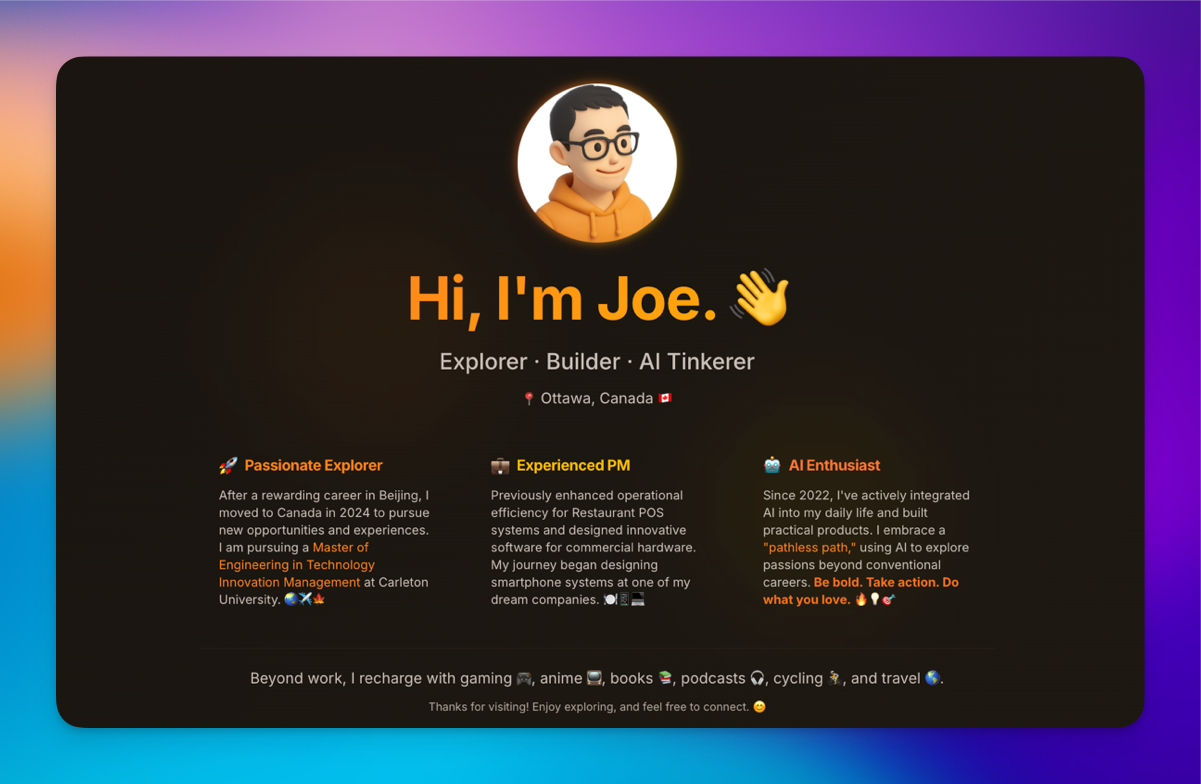
To make this powerful prompt accessible and efficient, I've fine-tuned it multiple times and created a new GPT: the "3D Avatar Icon Maker." Now, you can just visit my GPT, upload your image, and get your 3D isometric avatar instantly! You can access it for free—even without ChatGPT Plus.
It’s truly fantastic to see these results—and this is just the beginning!
Vibe Coding
Cursor is my go-to "vibe coding" tool right now. I also experiment with Lovable, Replit, v0, Bolt, Firebase, and Windsurf concurrently. I typically input the same prompt into each to see if they can deliver the desired result in just a few shots.
For me, a key indicator of AGI in this context is the ability of the AI to deliver on my articulated thoughts in one-shot without needing further clarification or conversation.
Projects I've built using this approach include the File Visualizer and Advantage Builder.
You can even read the story behind my first vibe coding product:
Advantage Builder is a tool I used for my program. It was originally created by Lovable in one-shot and then I modified it in Cursor.
Cursor's agent mode has significantly expanded my capabilities in ways I couldn't have imagined before. However, it struggles with backend issues, often requiring multiple rounds of conversation.
"Vibe coding" currently excels for personal and small projects, especially for users without deep technical backgrounds. To further empower developers like myself, we need more powerful models with longer context windows and improved techniques.
Miscellaneous Tools
- Meeting Notes: Notion AI's meeting notes feature is amazing! I previously used Limitless AI for this.
- Browser: I've also experimented with so-called AI browsers like Dia and Comet, but they don't quite suit my preferences, at least for now. I still prefer Arc.
What service I subscribed?
Some of my friends are curious about which AI services I subscribe to. Currently, I am not paying for any AI services, thanks to the following student benefits:
- ChatGPT Plus: Benefiting from a 2-month free student offer.
- Claude API: Received a $50 credit.
- Perplexity Pro: Secured a 1-year free subscription by assisting my university.
- Cursor Pro: 1-year free for students.
In the past, I have subscribed to:
- Gemini Advanced: I subscribed to experience Gemini Deep Research, which I used with what I access as Gemini 2.5 Pro. However, I found that for tasks other than deep research, Gemini 2.5 Pro in Google AI Studio performed better than the version in the Gemini Advanced subscription.
- Claude API: Paid for usage, particularly for Claude 3.7's visualization capabilities.
- ChatGPT Plus: I plan to subscribe after my 2-month free period ends.
- OpenAI API: Used for testing purposes.
That’s all for May 2025’s update. New powerful models are on the way.